One tap. Instant focus.
A Dottie Sticker is the shortest distance between a thought and an action.
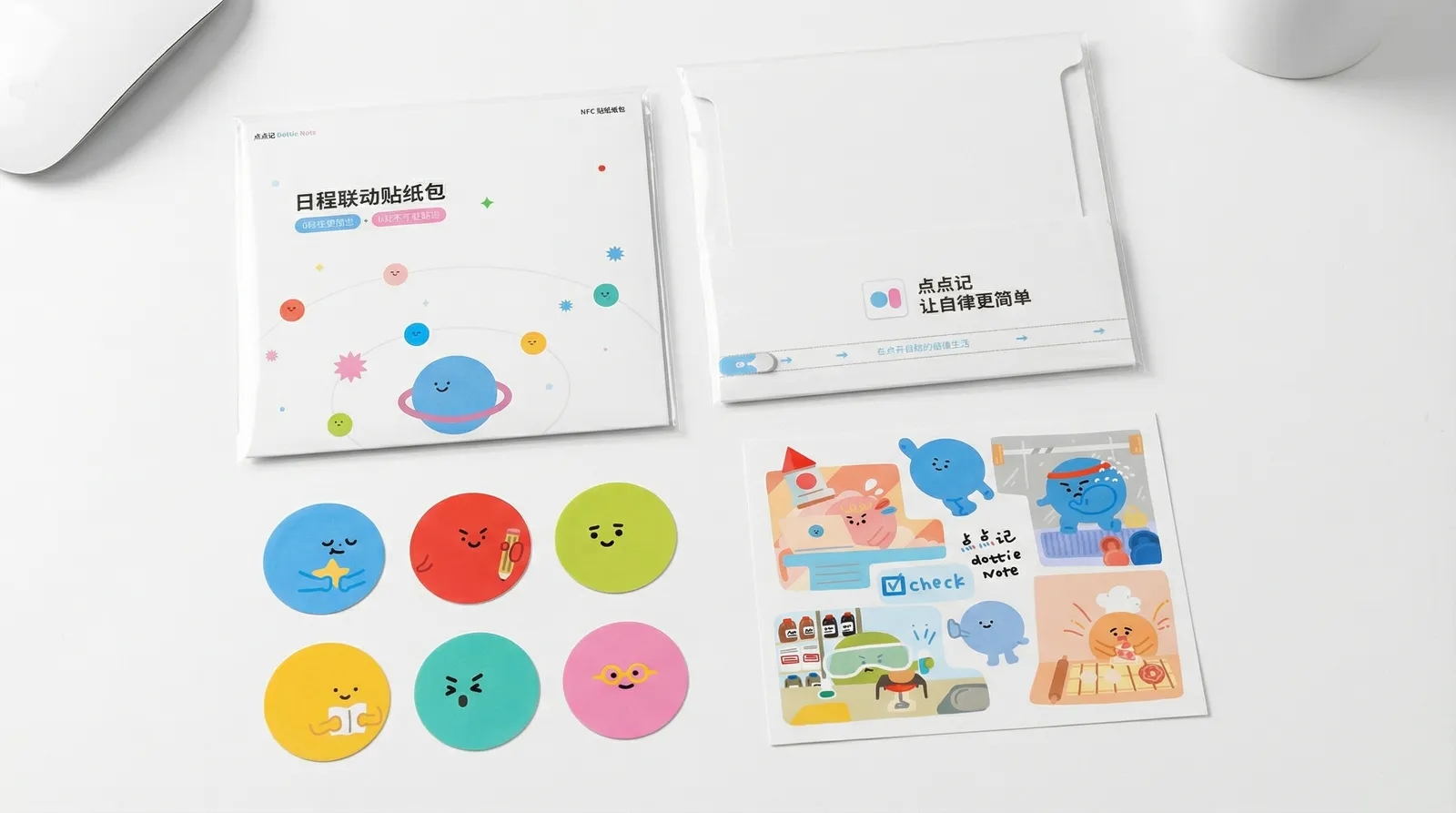
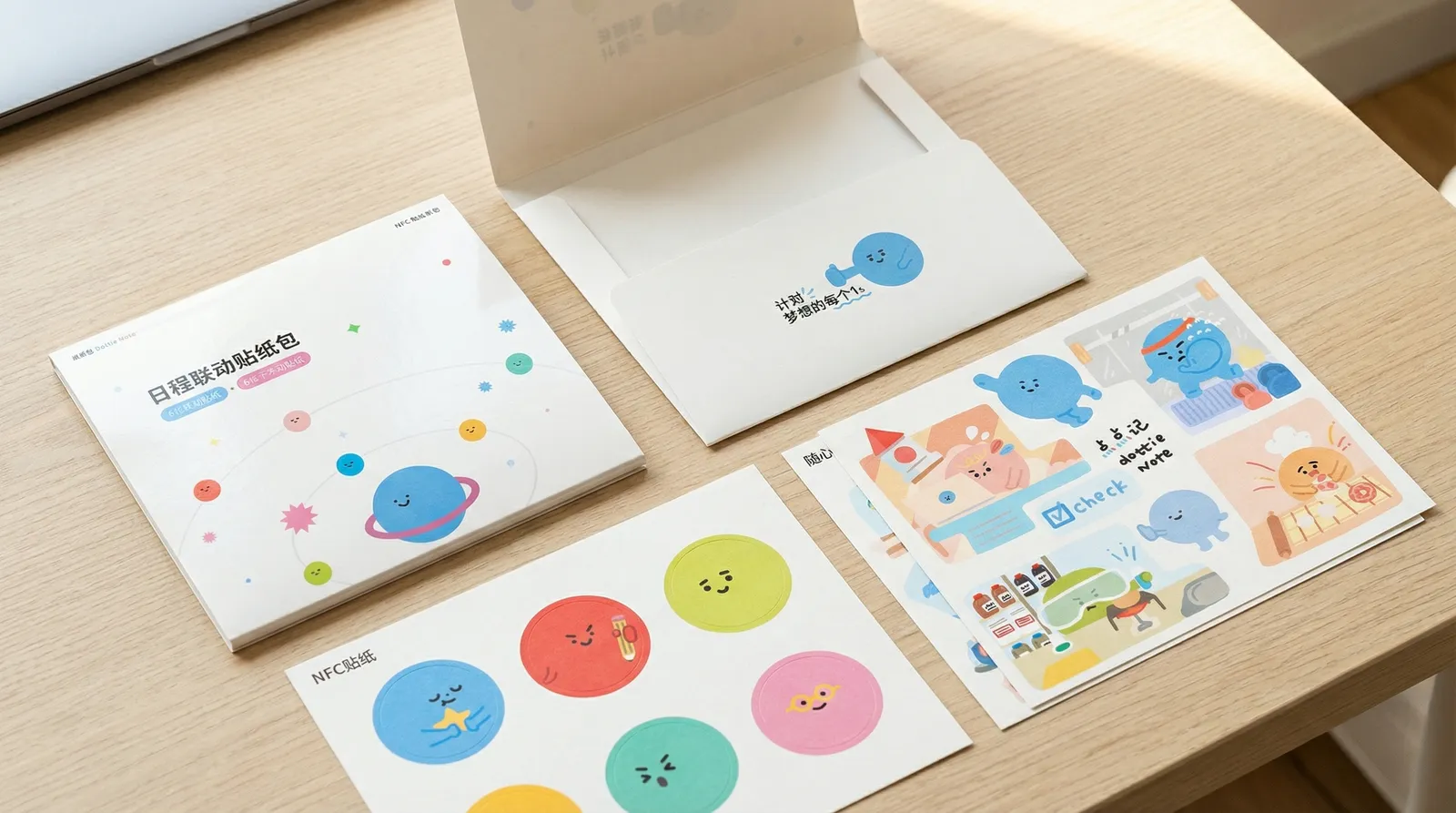
Dottie Stickers
NFC stickers, made for DottieNote.
Six planet NFC stickers and a few decorative ones — small, beautiful, and quietly powerful. Stick them on your desk, your nightstand, the locker at the gym. Then just tap to begin.
- 6 planet NFC stickers + decorative stickers
- Beautiful design that blends into your life
- Stick and go, no complex setup
- Customizable function binding
- Long-lasting, no charging needed
How tap works.
Each Dottie Sticker has an NFC chip inside. Hold your phone close, and it launches what you bound it to: a task, a habit, or another currently supported start action. No app to hunt for first.
Three steps. That’s it.
Put a sticker where you’ll see it.
Pick what it should do, in DottieNote.
Tap your phone. Done.
How to Bind a Dottie Sticker
Just 4 steps to turn a sticker into your personal shortcut
Create or edit a task
In the task editor, find the 'Dottie Sticker' toggle and turn it on
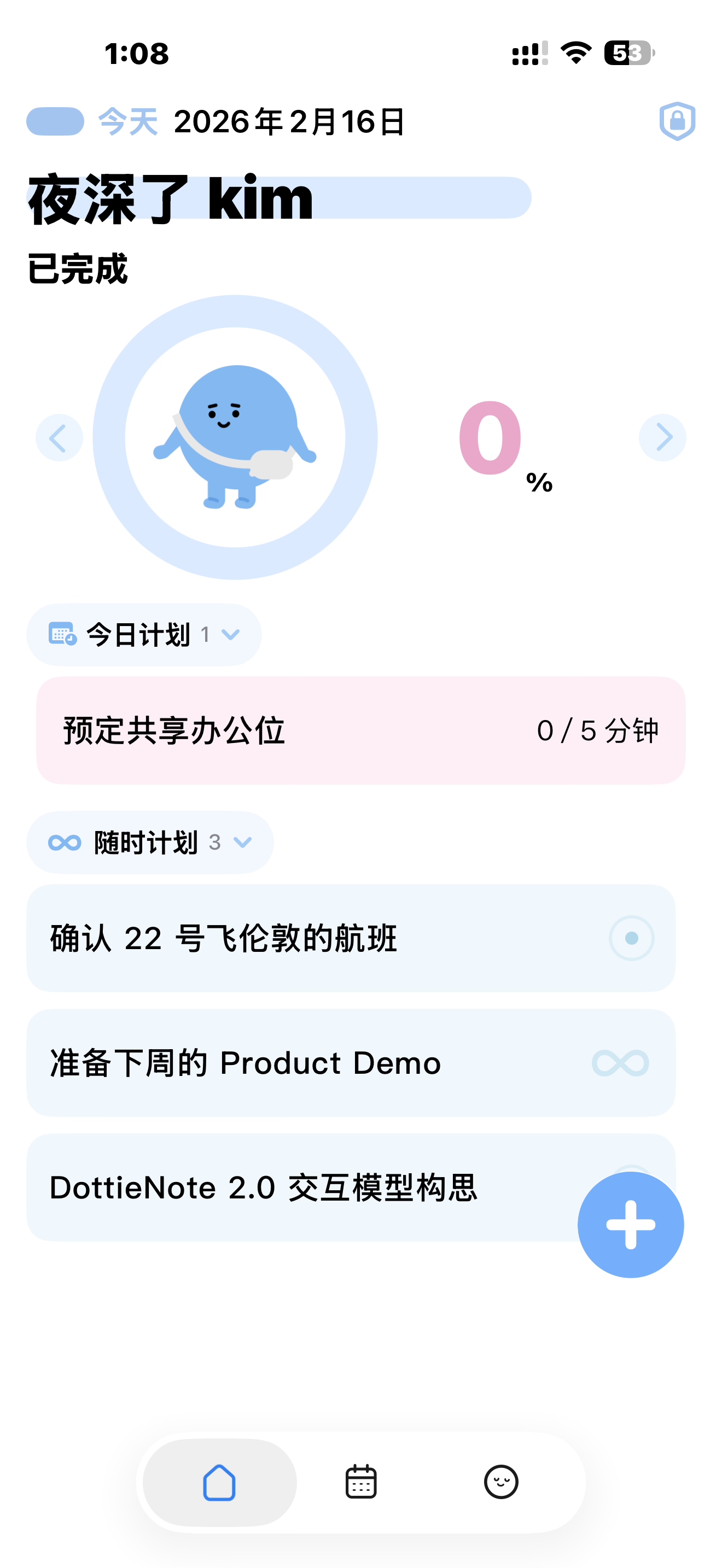
Create or edit a task
In the task editor, find the 'Dottie Sticker' toggle and turn it on
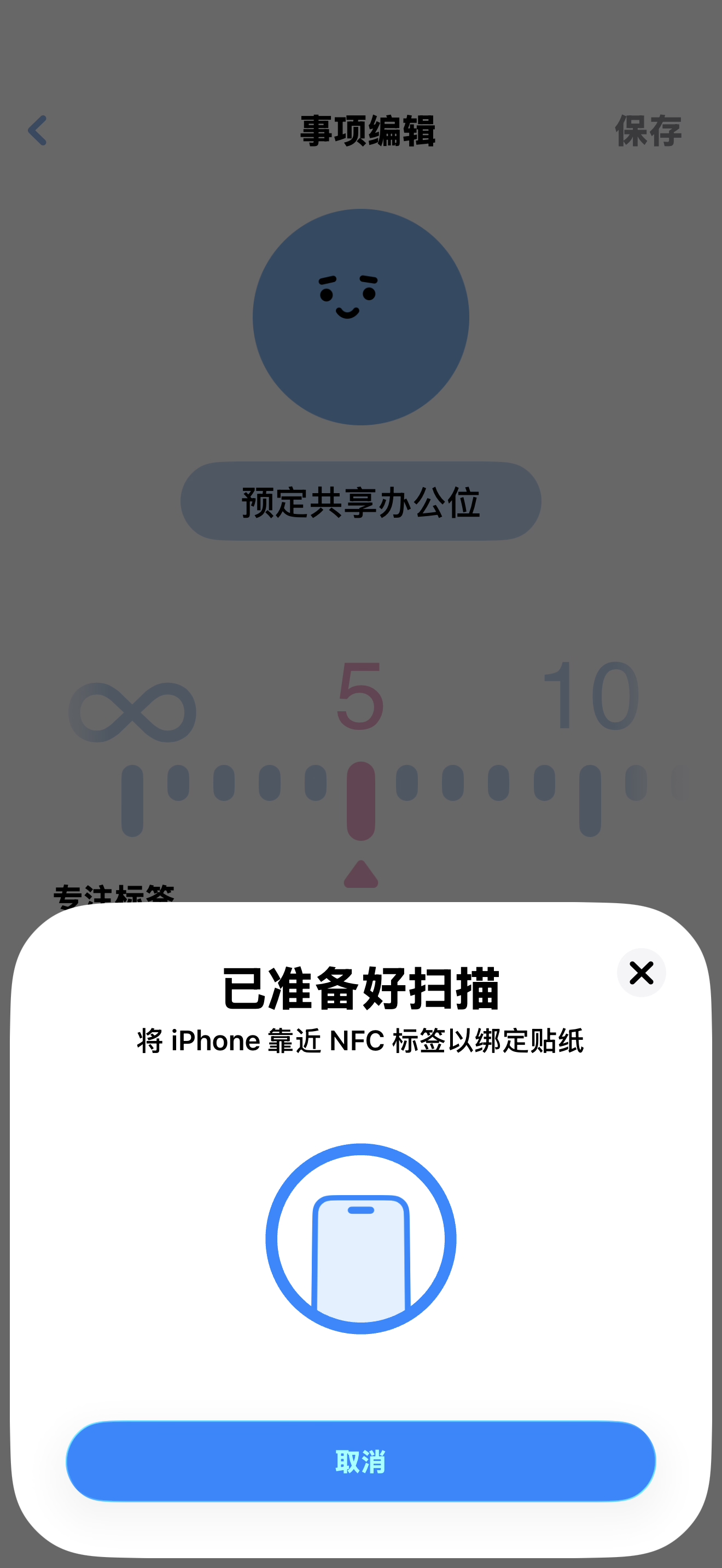
Wait for system prompt
iOS will show an NFC scanning prompt, ready to detect your sticker
Wait for system prompt
iOS will show an NFC scanning prompt, ready to detect your sticker
Tap the sticker
Hold your iPhone's NFC area against the Dottie Sticker briefly
Tap the sticker
Hold your iPhone's NFC area against the Dottie Sticker briefly
Binding complete
The system confirms the binding. From now on, just tap to launch that task
Binding complete
The system confirms the binding. From now on, just tap to launch that task
You can also enter an existing task's edit page and enable the Dottie Sticker option to bind
Wherever your day happens.
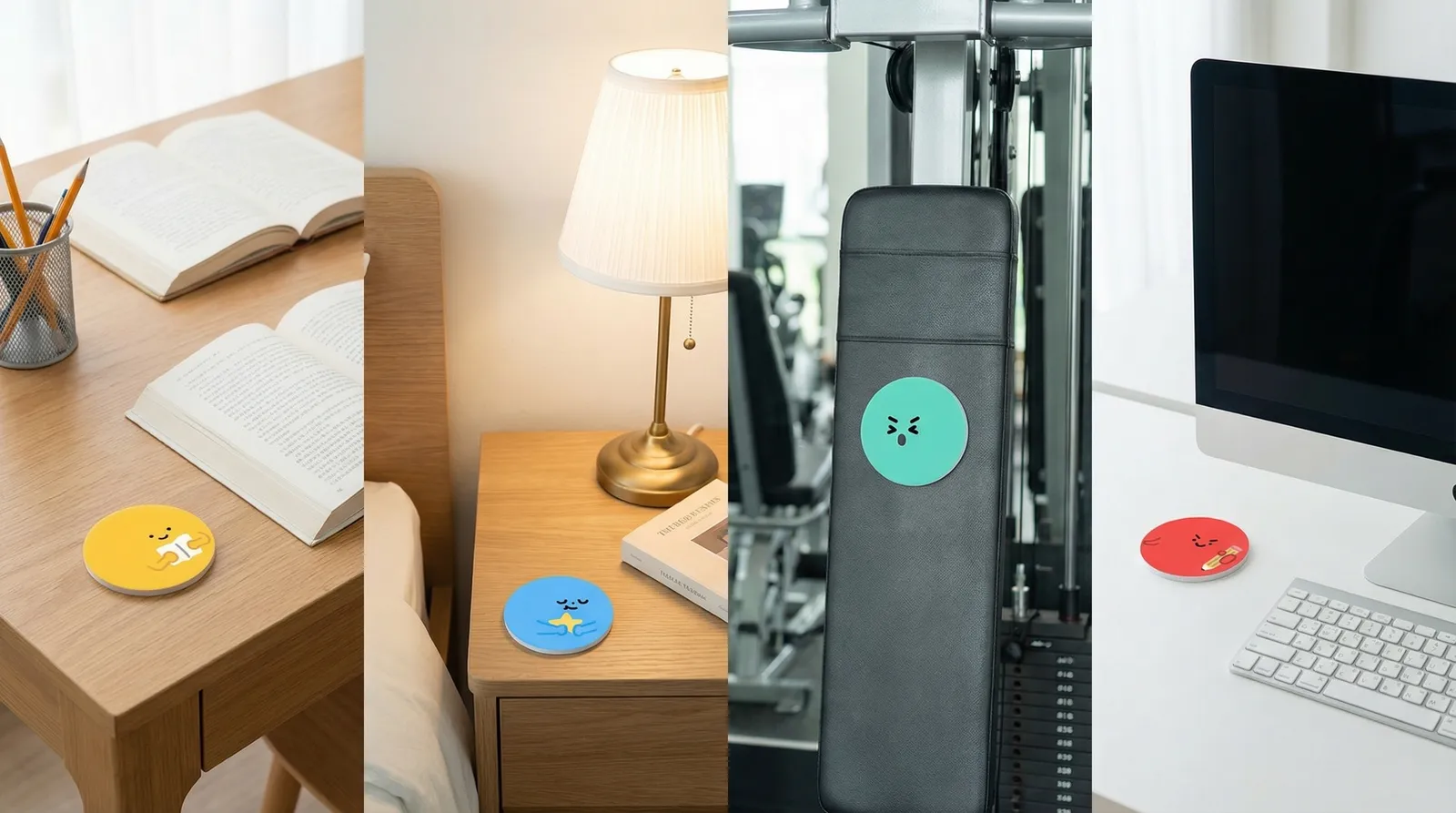
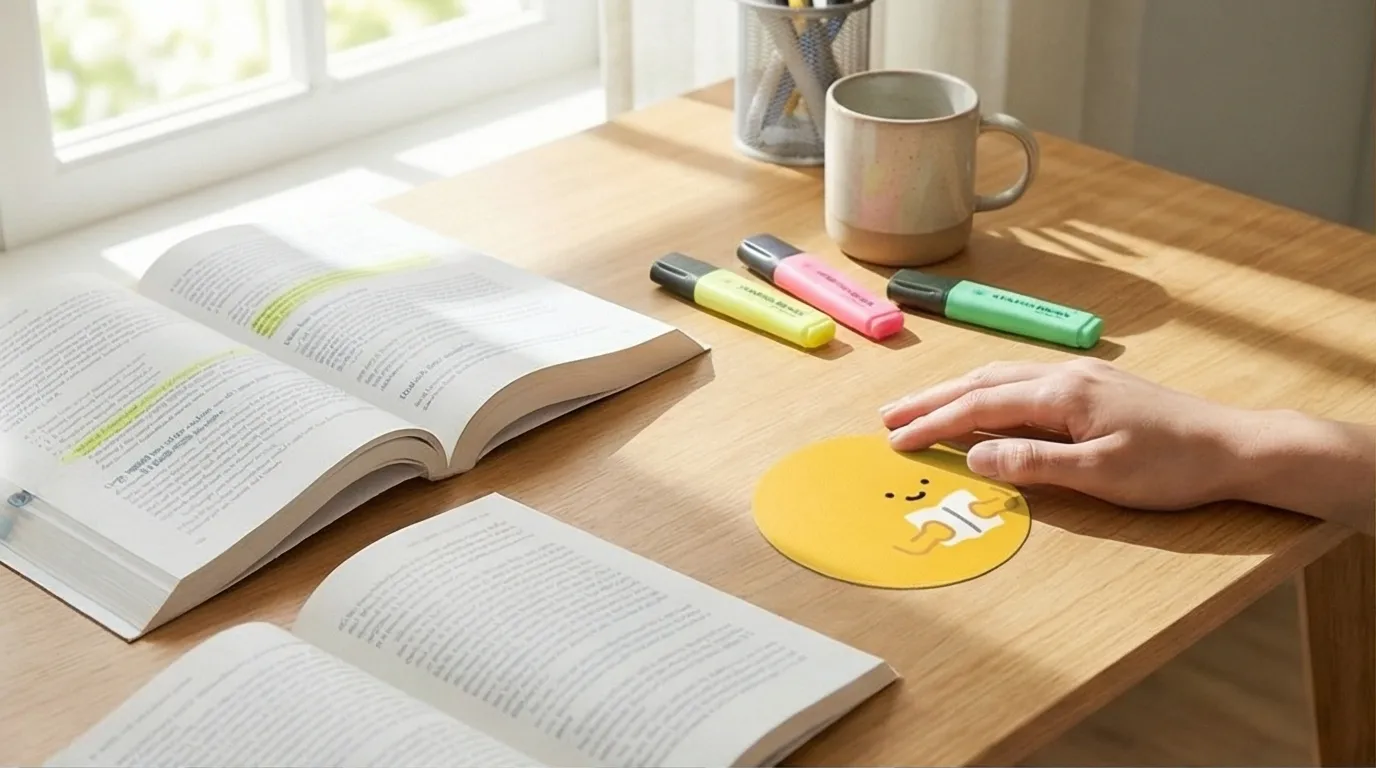
Desk
Tap to instantly start a study task
Desk
Tap to instantly start a study task
- Stick on lamp base
- Tap to open or start a study plan
- Timer appears on Lock Screen and Dynamic Island
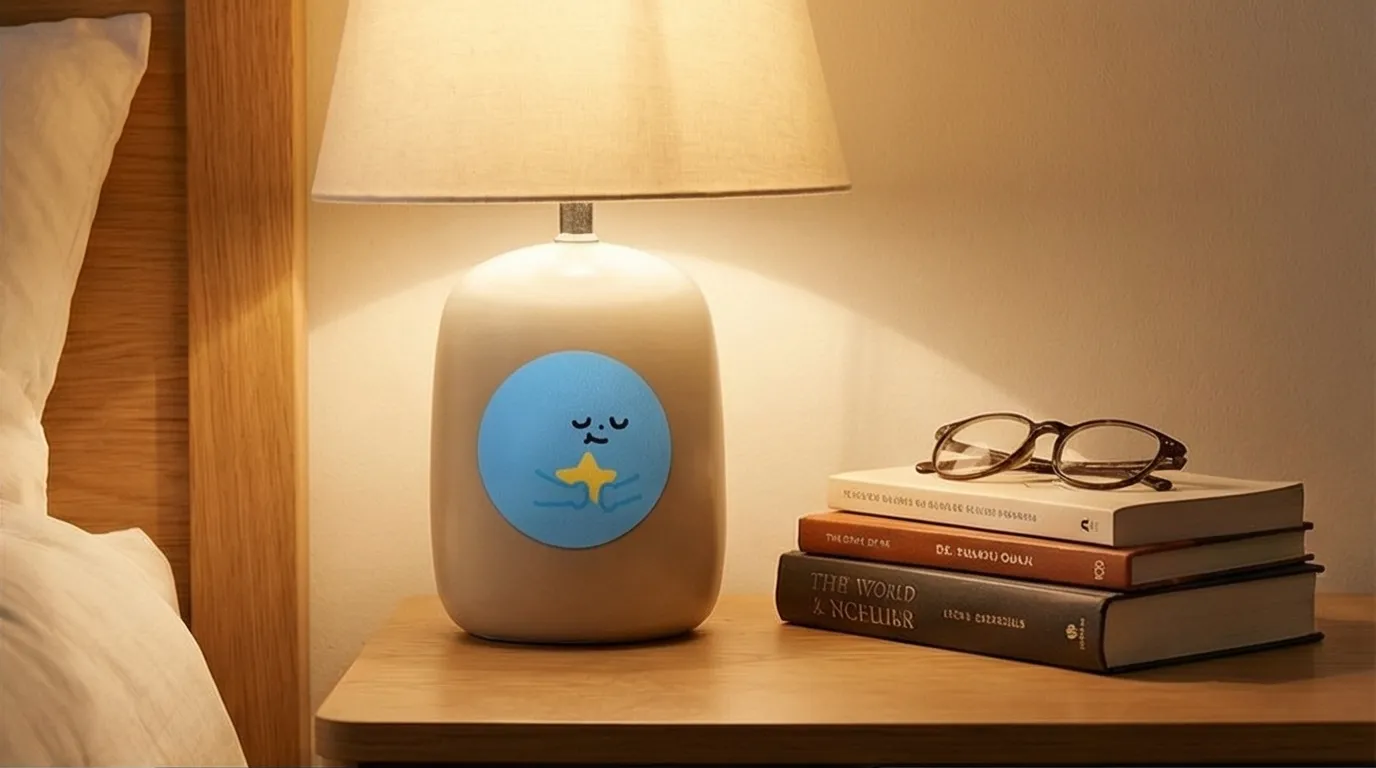
Bedside
Tap to start a bedtime reading habit
Bedside
Tap to start a bedtime reading habit
- Stick on nightstand
- Tap to start 30-min reading
- Earn a planet when done
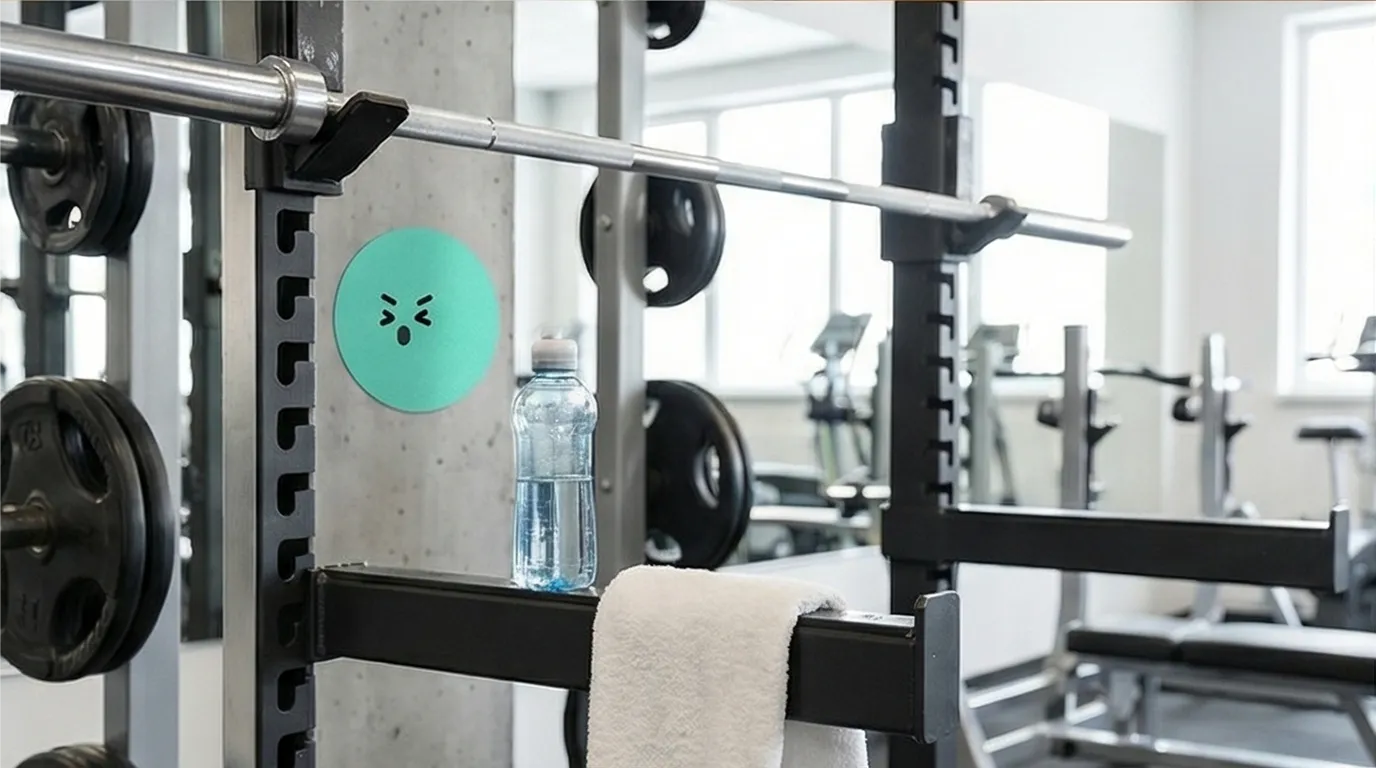
Gym
Tap to auto-start workout timer
Gym
Tap to auto-start workout timer
- Stick on locker door
- Tap to start workout timer
- Dynamic Island shows duration
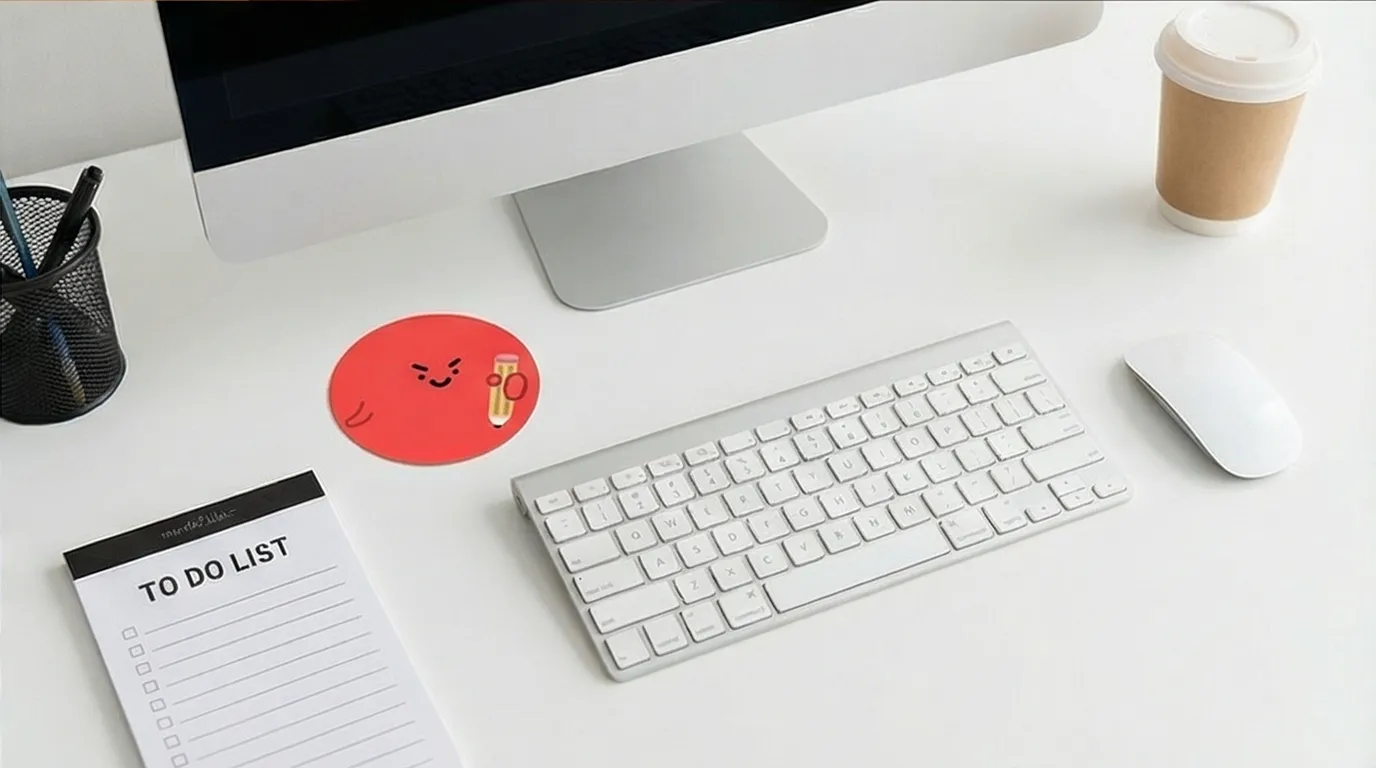
Office
Tap to start a work pomodoro session
Office
Tap to start a work pomodoro session
- Stick on monitor stand
- Tap to start a 25-min pomodoro
- Finish, record history, then start the next round
Device Compatibility
Dottie Stickers work with NFC-enabled iPhone devices. No charging needed; set up once and use them long term.
One tap. Instant focus.
A Dottie Sticker is the shortest distance between a thought and an action.