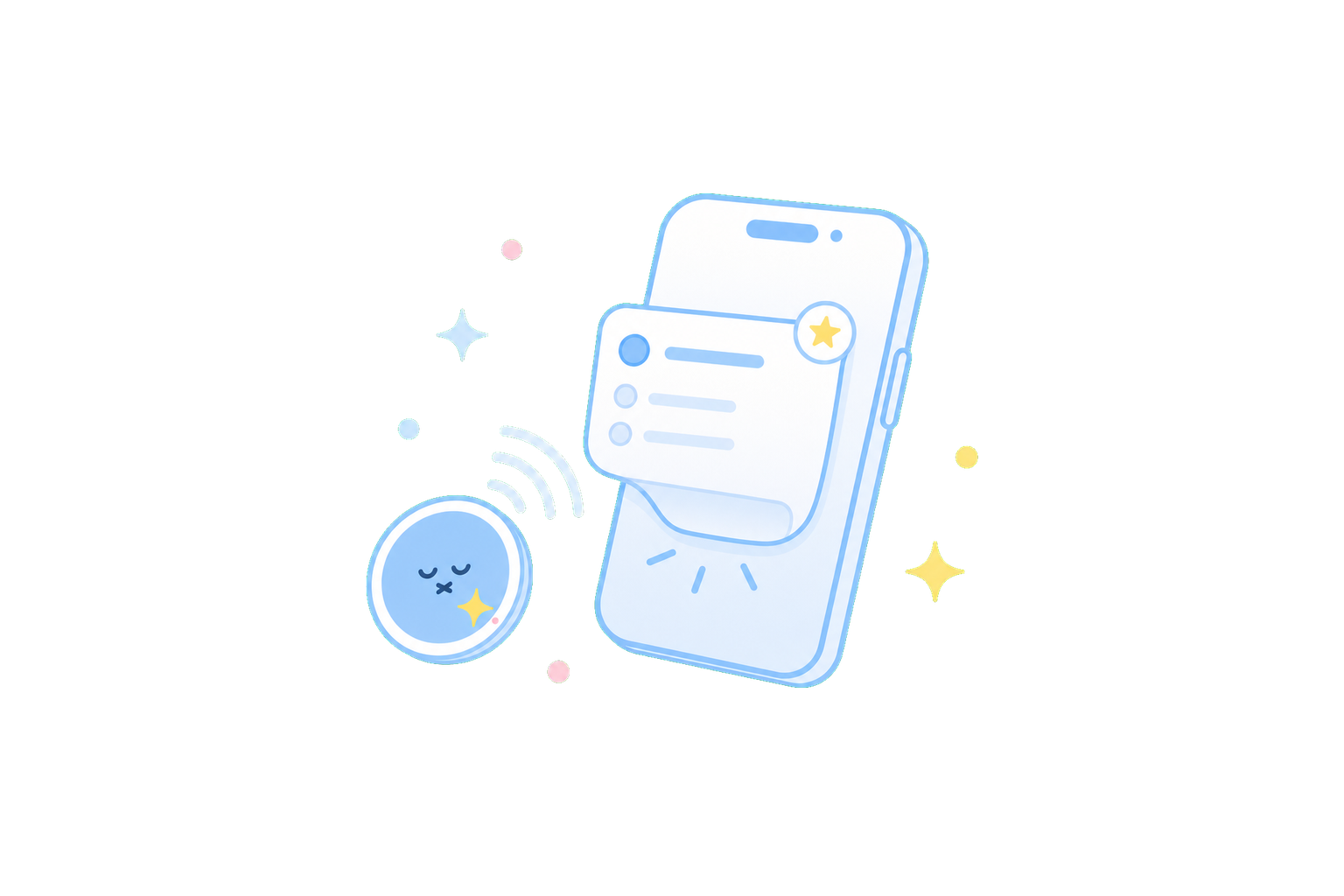
DottieNote v1.5 was the first public release where Dottie Sticker became part of the product. It started from a small but familiar problem: you may know exactly what you should start, but still need to open the app, find the task, and choose the right entry point. That extra step is often where attention gets lost.
Dottie Sticker compresses those steps into one gesture: tap the sticker, return to the matching task or focus scene.
This is a historical release note. For current purchase, binding, and usage instructions, please follow the latest app flow and help center.
An entry point in the real world
A Dottie Sticker can sit on your desk, bedside table, notebook, keyboard area, or anywhere you want a quicker path into action.
It works best for contexts that repeat often but are still easy to postpone:
- Tap a desk sticker to begin reading, writing, studying, or work.
- Tap a bedside sticker to return to an evening review or tomorrow's plan.
- Tap a doorway sticker to check a leaving-home list.
- Tap a work setup sticker to enter deep work or clear an inbox.
The idea is not to add another button. It is to reduce the hesitation before starting, and to let tasks connect with the physical places where they happen.
A simpler binding flow
In v1.5, sticker binding was designed to feel close to a natural action: choose the task or scene, hold your iPhone near the sticker, and complete the binding. After that, the same sticker becomes the entry point for that context.
This later became an important direction for DottieNote. We are not only building a task list; we are connecting tasks, places, and the act of beginning.
Stability fixes
This release also fixed several issues that could interrupt daily use, including incorrect time display, occasional add-button tap failures, and task time sync problems while traveling across time zones.
For a feature about starting action, reliability is part of the experience. Dottie Sticker can feel playful, but first it has to be dependable: when you tap, it should take you back to the place where you are ready to begin.
Why this is more than a regular shortcut
Technically, an NFC sticker can be understood as a quick launch shortcut. In DottieNote, its meaning is more specific: it connects a task with a stable context.
A normal shortcut still lives on the screen. You have to remember it, find it, and tap it. A Dottie Sticker can live where the task happens. You sit down at your desk, see the sticker, tap your phone, and the action itself becomes a cue to begin.
That is why it pairs well with short focus sessions. The task does not need to keep repeating in your head, and the entry point does not need to be searched for again. A stable context plus a short time block can make starting feel much lighter.
Binding and guidance will keep improving
NFC experiences have two common failure points: the first setup is unclear, or the daily trigger feels unreliable. The first makes users unsure what the sticker is for. The second makes them stop trusting it.
After Dottie Sticker entered the product, DottieNote continued improving the binding flow, help docs, error messages, and sticker instructions. We want users to be able to place a sticker into a real context without studying the feature for a long time.
The goal is not to make the product look unusual. The goal is to bring the act of starting out of the screen and into the place where the task happens.
From feature launch to daily habit
Launching Dottie Sticker was only the first step. For it to become a habit, users still need to choose the right location, bind a task, trigger it the first time, understand what to do if something fails, and still want to use it several days later.
That is why DottieNote cannot describe 1.5 only as "NFC quick start." The larger question is how an external entry point becomes part of someone's real day.
If a sticker is placed somewhere irrelevant, it will be forgotten. If binding feels confusing, users will not keep trying. If tapping does not reliably open the right place, the ritual disappears immediately.
After 1.5, the help center, binding instructions, fix releases, and product articles all need to keep supporting Dottie Sticker. This slightly hardware-like entry point only works when the software experience is smooth too.