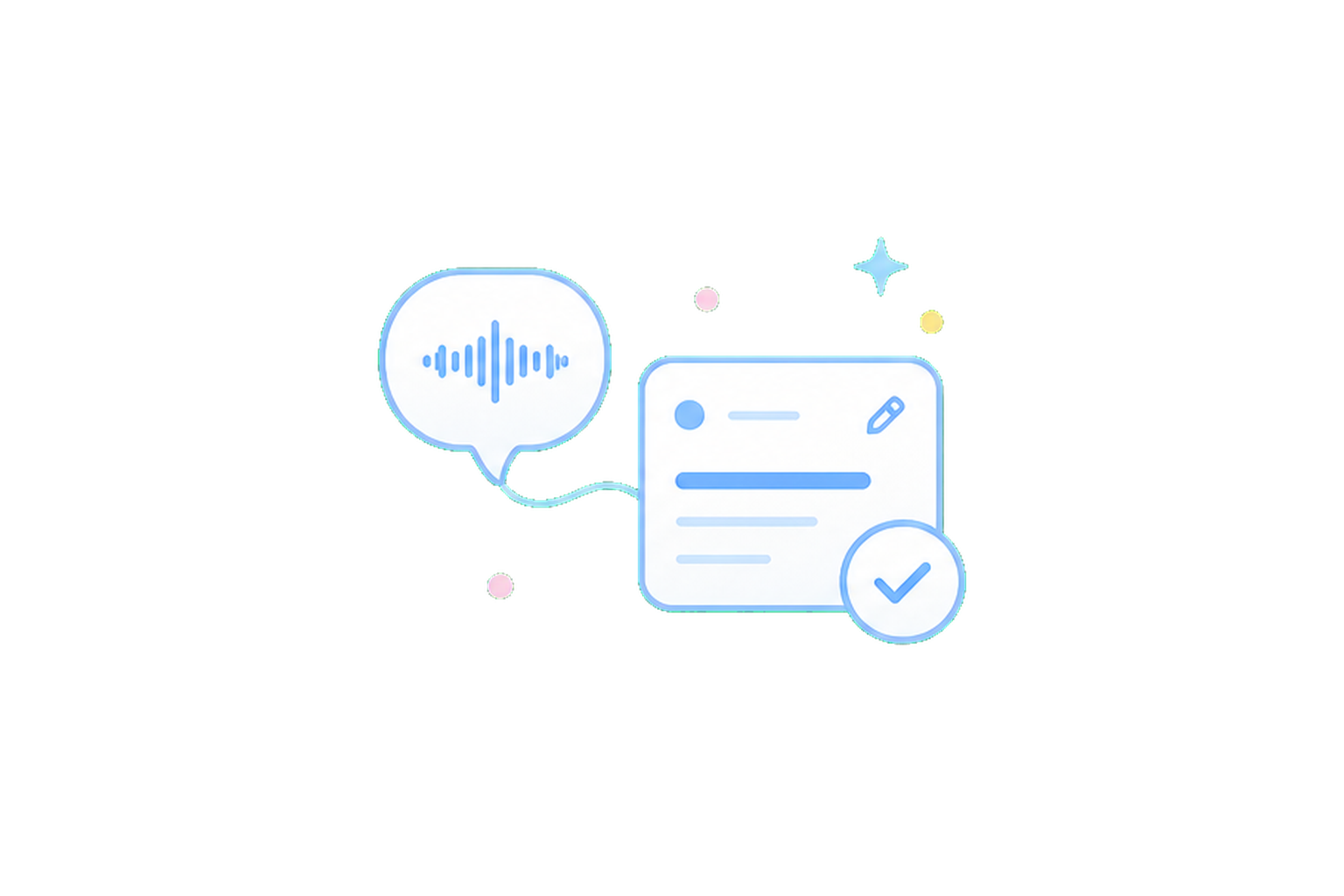
The best part of voice input is speed. You do not need to open the keyboard or decide every field first. When a task comes to mind, long-press the Add button on the DottieNote home screen, start speaking, then release when you are done. The app will turn what you said into an editable task.
The result is not saved without you. Title, date, time, duration, and reminders appear on a confirmation screen first. You can review, adjust, and then decide whether to add it to your task list.
DottieNote's voice task creation follows one principle: voice lowers the cost of input, but the final decision stays with you.
Spoken language is naturally imprecise
People leave out context when speaking. You might say "review English tomorrow morning" without saying how long. You might say "remind me to handle email this afternoon" without naming an exact time.
A good voice task system should not pretend every sentence can be understood perfectly. It should organize what it can understand, and leave uncertain parts available for review and editing.
That is why DottieNote turns voice input into editable task information instead of writing it into the system permanently. You can check the title, date, time, duration, and reminder settings before saving.
Cloud services only support the current parsing request
To improve usability, DottieNote may use cloud services to support parsing. The important point is this: we do not store your recordings, recognized text, or parsed task content.
This is not decorative privacy copy. A spoken task may include private schedules, names, places, and plans. Users deserve to know that those details are not being used to build a long-term profile.
Voice input will keep improving, but DottieNote's approach to task creation will stay the same: input can be faster, confirmation should be clearer, and control should remain with the user.
The confirmation screen matters more than raw recognition rate
Voice recognition should be accurate, of course. But task creation is not a dictation contest. In real use, people care about whether they can fix a mistake, see uncertainty in time parsing, and confirm before saving.
If the system misunderstands "tomorrow afternoon," or misses the duration in "review for thirty minutes," the user needs a chance to correct it before that becomes a real reminder.
DottieNote does not hide voice results in the background. It moves them into a clear editing state, so users can see what the system understood and which fields still need attention.
Good intelligent features reduce anxiety
Many AI features feel impressive but leave users unsure what will happen next. In a task tool, that uncertainty is especially risky because tasks and schedules affect real days.
DottieNote wants users to feel: "The system organized this for me, and I can confirm it." It should never feel as if the system quietly decided the task on its own.
When a system decides silently on a user's behalf, it can undermine their sense of control. Letting people see, edit, and confirm the result makes input easier to trust. We keep that confirmation step, even if it takes a little longer, so users know the final decision is theirs.
Voice should not replace every input method
Voice task creation is useful for quick capture, natural expression, and moments when typing is inconvenient. It should not replace every other input path. Quiet environments, complex tasks, precise dates, and long-term repeat rules can still be better handled manually.
That is why DottieNote does not make voice the only entry point. It is part of Quick Add: you can speak first and adjust on the confirmation screen, or skip voice entirely and type or choose a task yourself.
A good product should not make existing paths worse just because it adds a new capability. Voice should lower the barrier, not create a new pressure to use it.
DottieNote will keep improving readability, error messages, and field confirmation for voice results, so users do not have to guess what happened inside an automation.
Reviewable voice input fits task tools
Tasks are different from ordinary notes. A wrong time or repeat rule can affect several days of reminders. The more convenient voice input becomes, the more clearly the product needs to offer confirmation before saving.
DottieNote's voice capability organizes; it does not decide. It can turn spoken language into title, date, duration, and reminder fields, but the user still sees, edits, and confirms the result.
That adds a small step, but it creates much more confidence. For a task tool, that is more valuable than chasing full automation at any cost.