Dernières nouvelles
Mises à jour et articles
Découvrez les versions, correctifs et articles qui racontent chaque amélioration de DottieNote.
 ActualitésDottieNote 2.0.1: fixing false iCloud storage warningsDottieNote 2.0.1 fixed incorrect iCloud storage-full warnings for some users and added a way to recheck sync status.Voir les détails
29 éléments
 ArticlesWhy DottieNote 2.0 stays local-firstTasks, tags, planets, and focus history are not just productivity data. They can reveal your daily rhythm, so DottieNote keeps core data on device by default.Lire la suite
 ArticlesTurn starting focus into a physical actionA Dottie Sticker turns the intent to start into a stable, repeatable physical action.Lire la suite
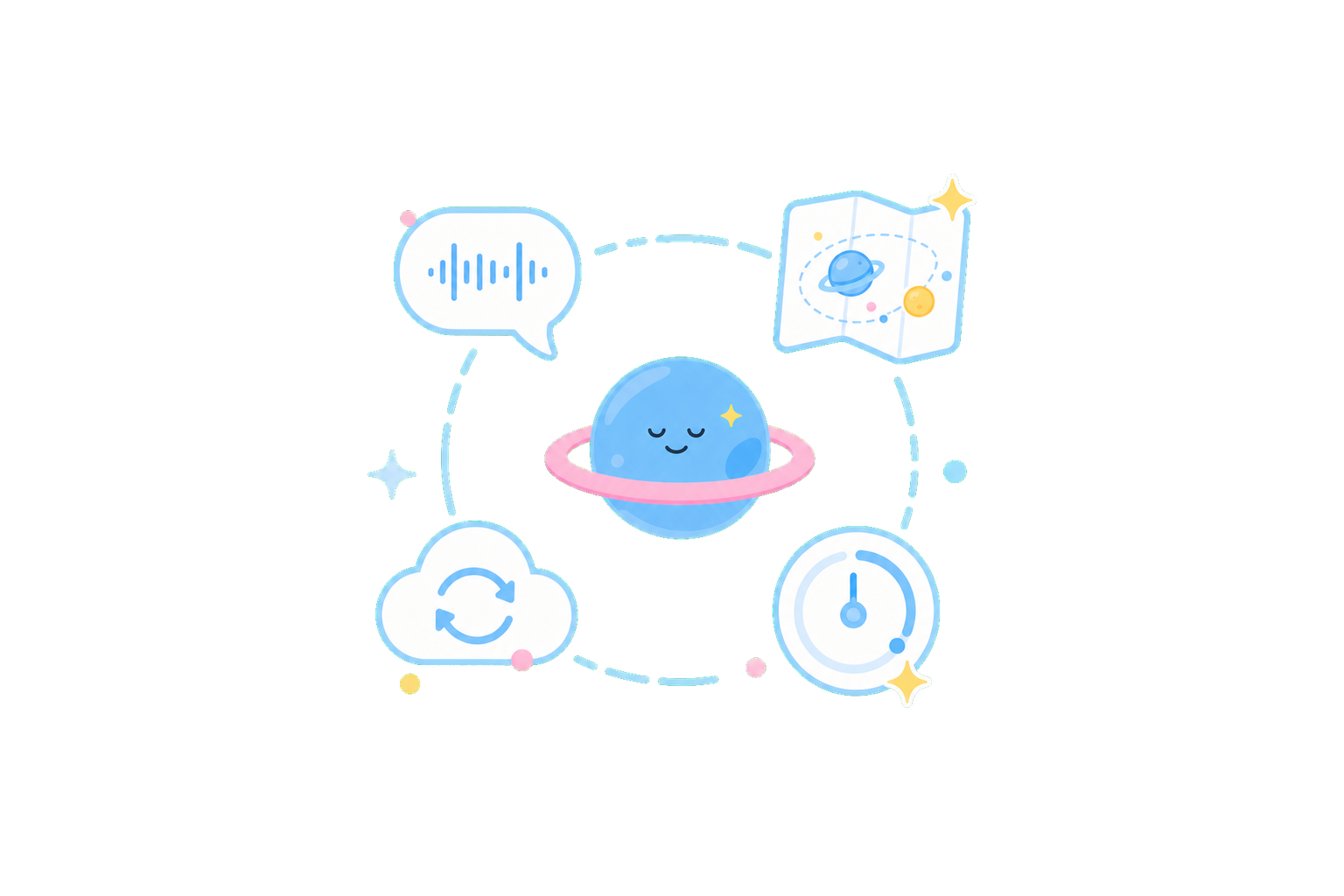 ActualitésDottieNote 2.0 is here: voice input, planet collection, and iCloud syncDottieNote 2.0 connects task capture, focus entry, planet collection, and iCloud sync so there is less friction between thinking of a task and actually starting.Voir les détails
 ArticlesLocal-first and iCloud sync can work togetherDottieNote keeps core data on device by default, while iCloud sync provides continuity across Apple devices. They serve different parts of the experience.Lire la suite
 ArticlesShare cards are focus memoriesDottieNote share cards are proof of focus: time completed, planets unlocked, and effort that happened, without pushing users into comparison.Lire la suite
 ArticlesLong-press Add, then say the taskOn the DottieNote home screen, long-press the Add button to start voice recognition. Release when you are done, and the app turns your words into an editable task.Lire la suite
 ArticlesWhy Anytime Plans matterNot every task belongs on a calendar. Anytime Plans give tasks without a fixed time a better place to stay.Lire la suite
 ActualitésDottieNote 1.9: Chinese and English support, plus timer recoveryDottieNote 1.9 added Chinese and English interface support, and rebuilt task recovery, Live Activity, and calendar-list stability.Voir les détails
 ActualitésDottieNote 1.8: cute object planets and the planet atlasDottieNote 1.8 introduced the Cute Objects planet series, the planet atlas, data structure updates, and smoother tab switching.Voir les détails
 ArticlesWhy planet collection works as focus feedbackPlanets are not a game skin for a task system. They turn short focus sessions into visible, reviewable progress.Lire la suite
 ArticlesWhy focus history should be private by defaultFocus history may look like productivity data, but it can reveal a person's rhythm, stress, and daily schedule.Lire la suite
 ArticlesWhat should a task remember?A task can remember more than a title and due date. It can remember how you started, how long you focused, and what was left after completion.Lire la suite
 ArticlesLess planning, more startingPlanning can help organize tasks, but too much planning keeps work inside the system. DottieNote cares about the distance from task to action.Lire la suite
 ArticlesKinder feedback than streaksStreaks can turn into pressure. DottieNote uses collection and reflection to make completion feel less like comparison.Lire la suite
 ArticlesWhy tiny starts are easier to keepMany plans fail not because the goal is too small, but because the mental cost before starting is too high.Lire la suite
 ArticlesPut tasks back into real placesTasks do not only live in lists. A desk, bedside table, classroom, or commute can all change whether starting feels easy.Lire la suite
 ActualitésDottieNote discussed AI and experience design with Apple developer expertsThe DottieNote team joined a one-on-one Apple Developer Program session to discuss AI, image recognition, local models, and backend architecture.Voir les détails
 ActualitésDottieNote 1.5.1: task creation and NFC reliability fixesDottieNote 1.5.1 fixed task creation, list display, occasional NFC failures, and continued improving overall stability.Voir les détails
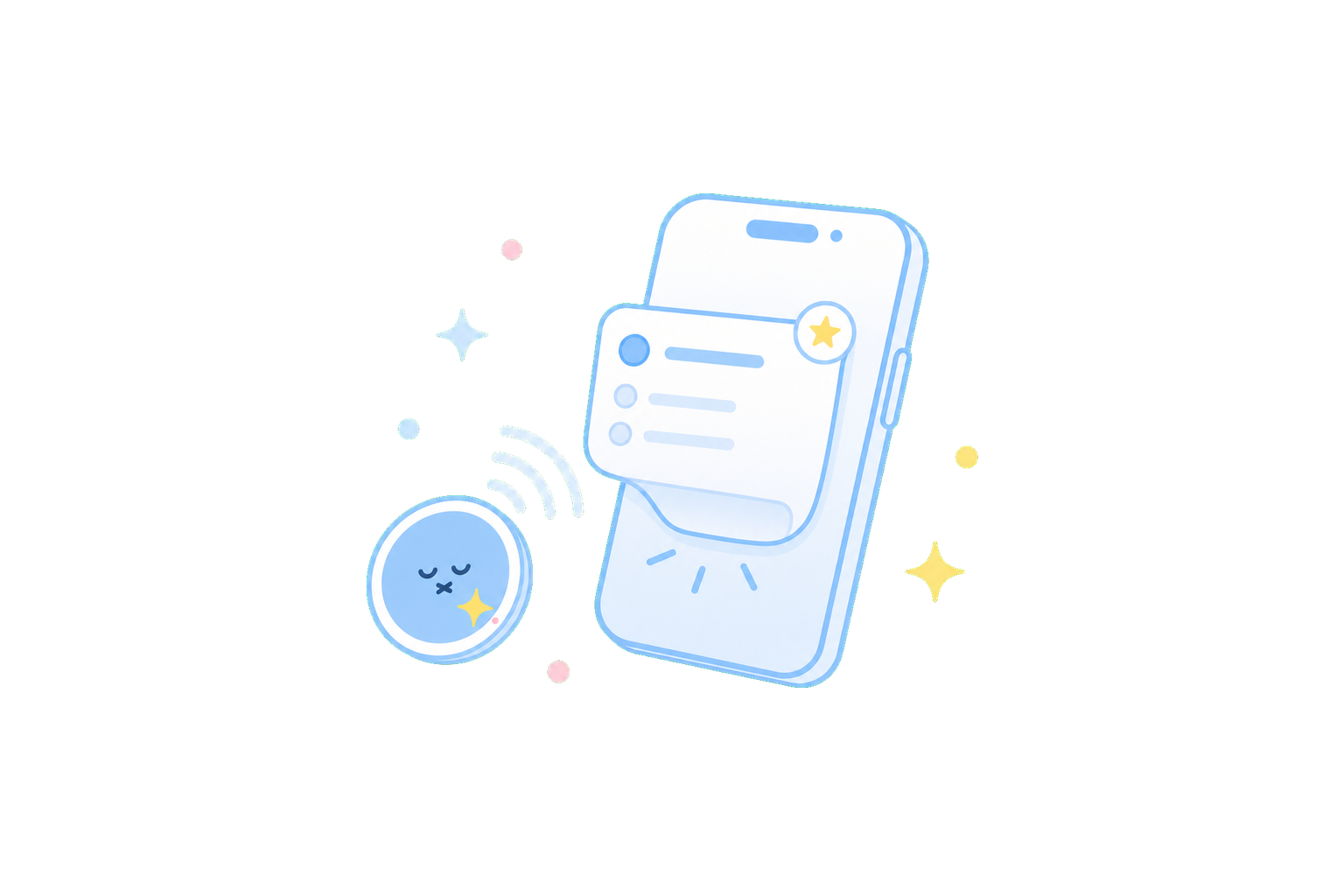 ActualitésDottieNote 1.5: Dottie Sticker and NFC quick startDottieNote 1.5 introduced Dottie Sticker as an NFC focus entry point, and fixed time display, add-button, and cross-time-zone issues.Voir les détails
 ActualitésDottieNote at the Let's Vision Innovation Design ExhibitionDottieNote made its first offline appearance in Shanghai, showing focus, planning, and Dottie Sticker experiences to real users.Voir les détails
 ActualitésDottieNote 1.4: voice entry, Apple Health, and swipe actionsDottieNote 1.4 added voice task entry, Apple Health sync, swipe actions, and watchOS Live Activity compatibility.Voir les détails
 ActualitésDottieNote 1.3.5: calendar and task display fixesDottieNote 1.3.5 fixed duplicated calendar tasks, overview display issues, tag creation lag, and other everyday interaction problems.Voir les détails
 ActualitésDottieNote 1.3: Traditional Chinese support and mistap protectionDottieNote 1.3 added Traditional Chinese support, a global vibration setting, and a safer restart flow to reduce accidental actions.Voir les détails
 ActualitésDottieNote 1.2: Live Activity timing and flip feedbackDottieNote 1.2 added Live Activity timing for background and locked-screen use, plus flashlight feedback when the phone is flipped.Voir les détails
 ArticlesWhy Live Activities reduce app reopeningLive Activities are not a visual trick. They keep focus state on the Lock Screen and Dynamic Island so users do not have to keep reopening the app.Lire la suite
 ActualitésDottieNote 1.1: timer reset and flip-to-focus refinementsDottieNote 1.1 fixed a timer reset issue that returned tasks to one minute, and improved the trigger behavior for flip-to-focus.Voir les détails
 ActualitésDottieNote 1.0: our first public releaseDottieNote 1.0 introduced task management, timed and counting focus modes, a calendar view, and color tags.Voir les détails
 ArticlesWhy DottieNote is built for short focus sessionsFor many people, two uninterrupted hours is not realistic. DottieNote helps users start with a real 25 to 30 minute session.Lire la suite